Captcha4WP

Captcha4WP

Best Antispam & reCaptcha Solution for WordPress

  • Features
  • Testimonials
  • Pricing
  • Blog
  • Support
  • Get CAPTCHA 4WP
  • Features
  • Testimonials
  • Pricing
  • Blog
  • Support
  • Get CAPTCHA 4WP

CAPTCHA 4WP
Documentation

Adding any type of CAPTCHA check to Contact Form 7 forms

CAPTCHA 4WP changelog

Configuring Content Security Policy (CSP) for CAPTCHA

Getting started with CAPTCHA 4WP

How to add CAPTCHA on Everest Forms

How to add CAPTCHA on Fluent Forms

How to add CAPTCHA on Formidable Forms

How to add CAPTCHA on Gravity Forms forms

How to add CAPTCHA on Ninja Forms

How to add CAPTCHA on WPForms forms

How to add CAPTCHA to a WordPress website form

How to add CAPTCHA to WooCommerce forms

How to fix CAPTCHA not showing due to caching issue

How to get Cloudflare Turnstile keys

How to get Google reCAPTCHA keys

How to get hCaptcha keys

How to show CAPTCHA on failed logins

How to whitelist users, IP addresses, and URLs

Our plugins

  • AuthorsList

Support

  • My Account
  • Documentation
  • Submit Ticket
  • WordPress Hosting

Follow us

Connect with us on Facebook

Follow us on Twitter

@ Captcha4WP 2025
  • Privacy Policy & Terms
  • Disclosure
close popup

Installing CAPTCHA 4WP Free

Well done you. You're one step closer to safeguarding your WordPress website from spam and automated attacks with CAPTCHA 4WP. You'll be able to effortlessly integrate CAPTCHA into your forms and enjoy a website with enhanced security.

Below are two ways to install CAPTCHA 4WP on your website:

OPTION 1
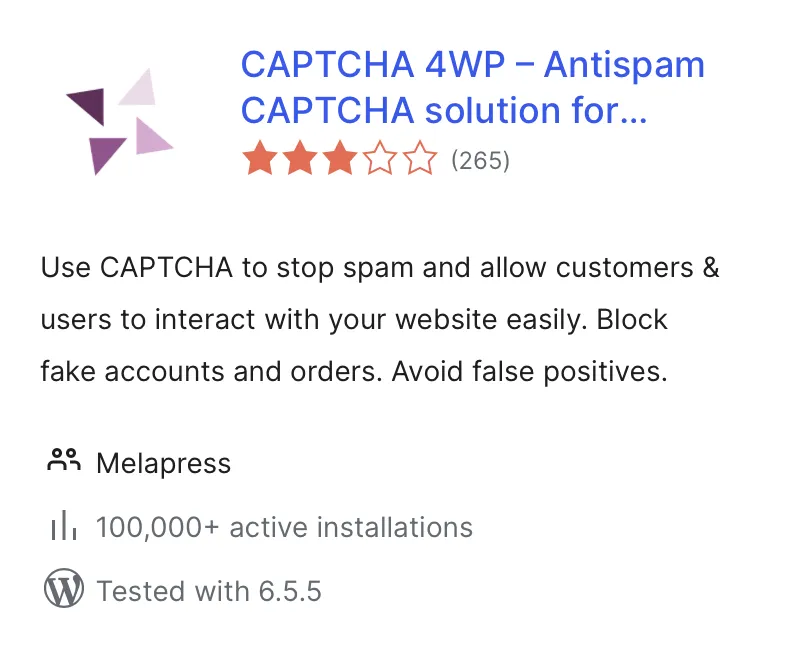
Go to your plugin dashboard on your site, then go to "Add New", and then search for CAPTCHA 4WP.

wp repo
OPTION 2

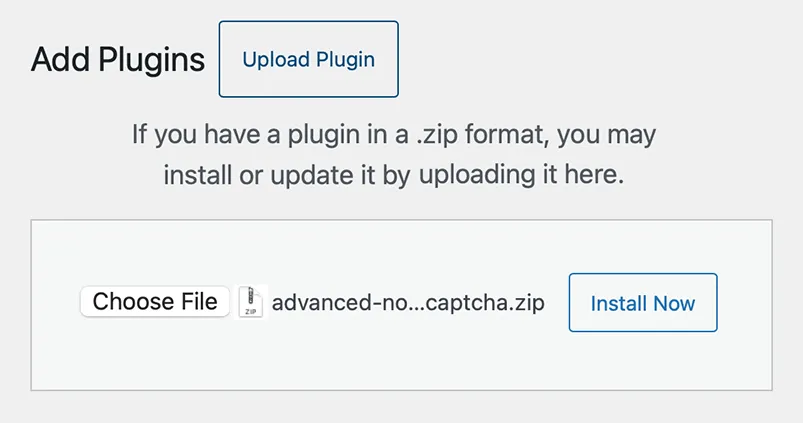
Download the CAPTCHA 4WP plugin zip, then select upload in your plugin dashboard under "Add New".

DOWNLOAD

wp repo